 English
 Español
 Türk
TürkContent
- 1 What You Need Before You Start Cutting
- 2 Why Interlining Matters More Than Most Beginners Think
- 3 Step-by-Step: Sewing the Sleeve
- 4 Getting the Padding Right
- 5 Comparing Closure Styles
- 6 Sizing Guide by Laptop Screen Size
- 7 Mistakes That Shorten a Sleeve's Life
- 8 Caring for a Handmade Laptop Sleeve
- 9 Frequently Asked Questions
Direct Answer
A laptop sleeve is sewn from two outer fabric panels, a layer of foam or batting for cushioning, and a layer of Interlining fused or stitched to the wrong side of the outer fabric to stop it from stretching, sagging, or fraying at the seams. Cut the panels about 1 inch (2.5 cm) larger than your laptop on all sides, fuse the Interlining first, sandwich the foam between the lining and the outer shell, sew the three edges, then bind or zip the opening. A 13-inch laptop sleeve made this way typically takes a confident beginner around 90 minutes from cutting to finished edge.
What You Need Before You Start Cutting
Gathering the right materials first prevents the most common mid-project problem: running out of Interlining or batting halfway through a seam and having to stop to buy more. Below is the full kit for one sleeve sized for a 13 to 14 inch laptop.
Outer Fabric
0.5 yard (45 cm) of canvas, denim, or waxed cotton. Tightly woven fabric resists abrasion better than loosely woven cotton.
Lining Fabric
0.5 yard (45 cm) of quilting cotton or polyester lining. A smooth lining lets the laptop slide in and out without catching.
Fusible Interlining
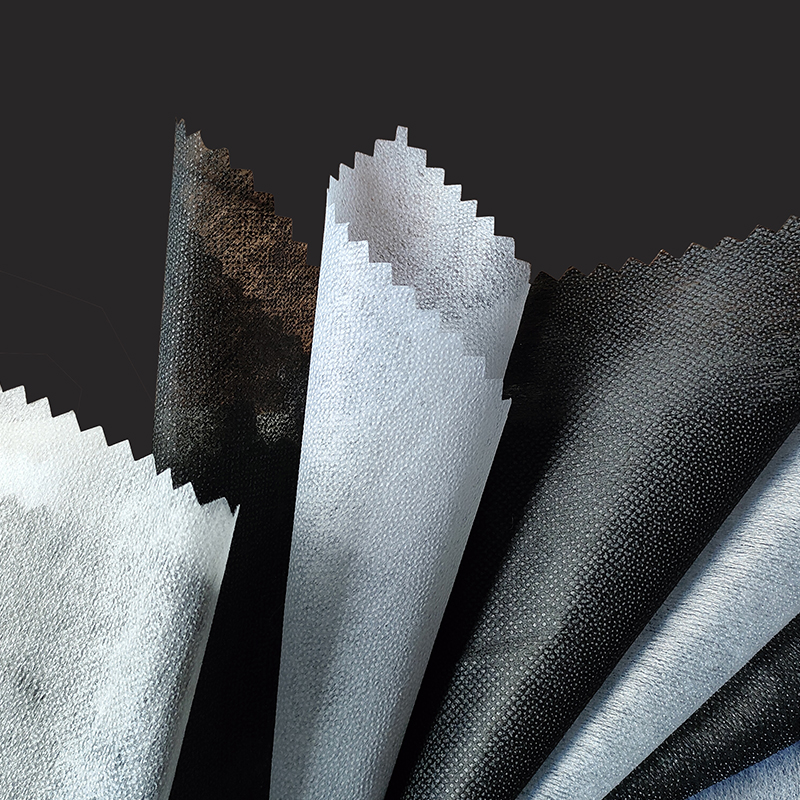
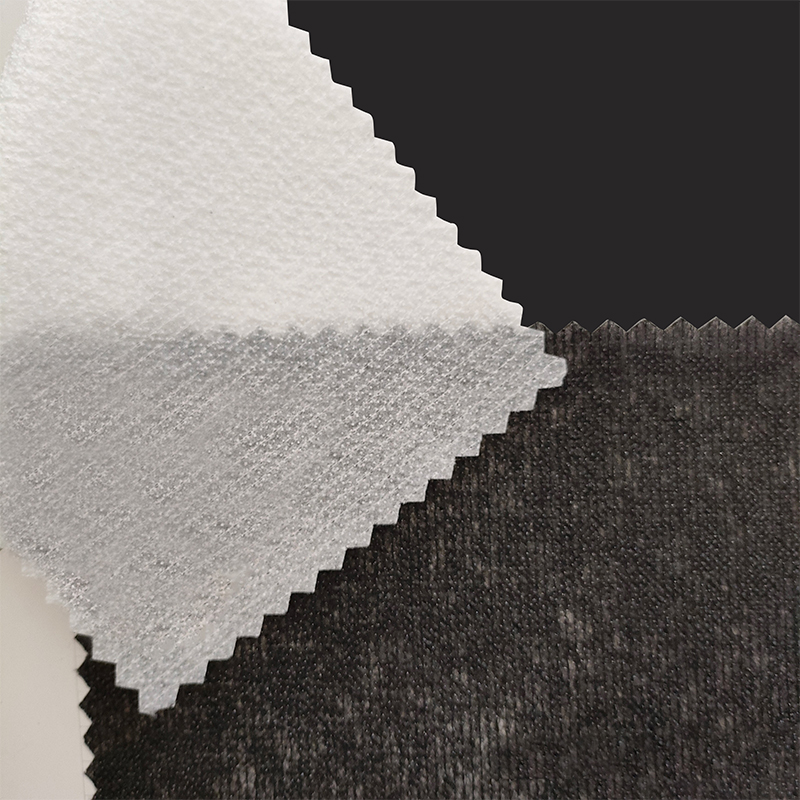
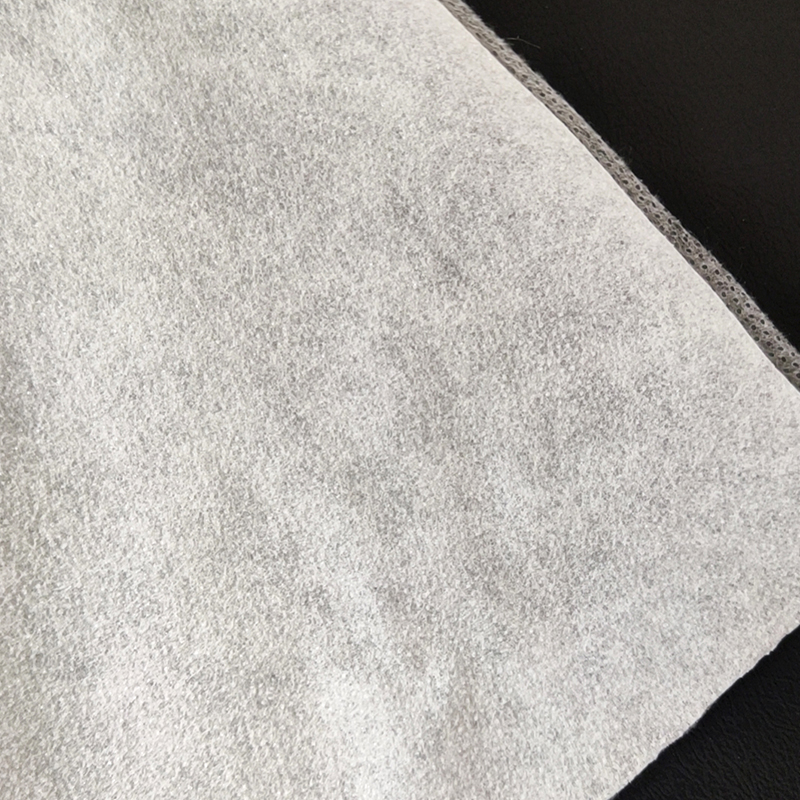
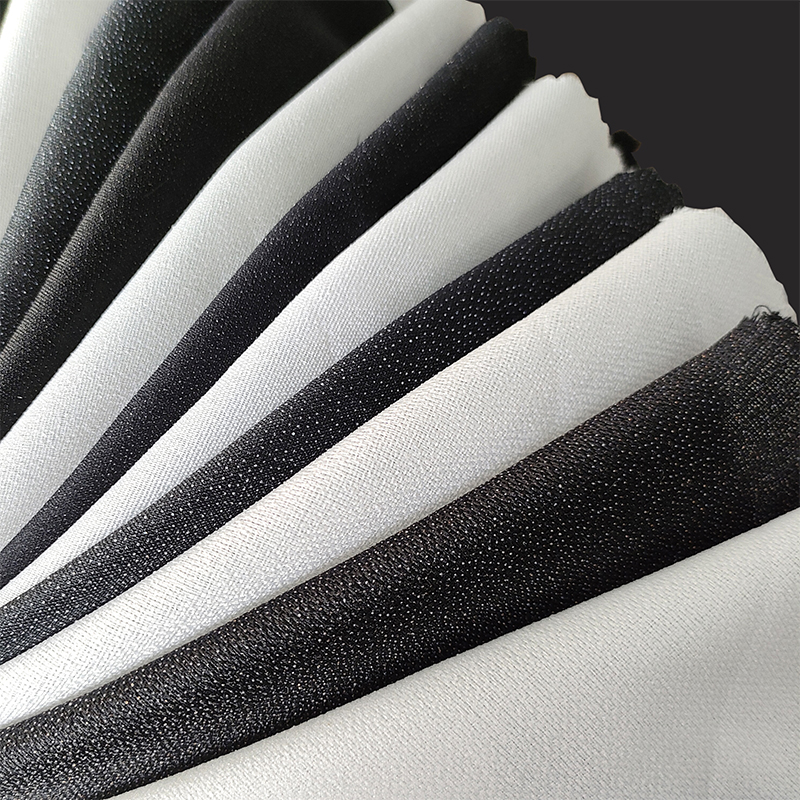
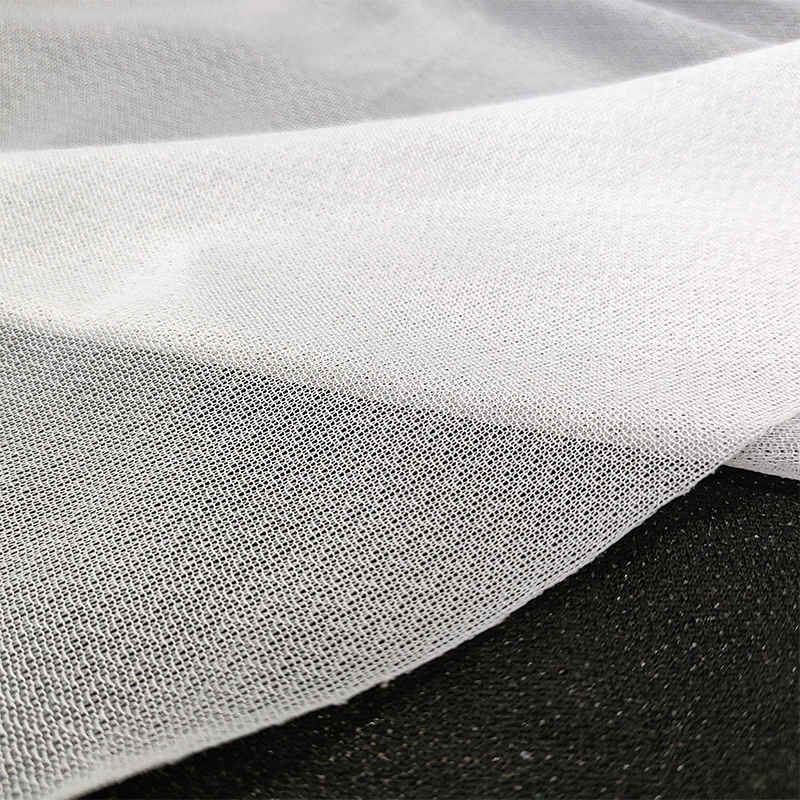
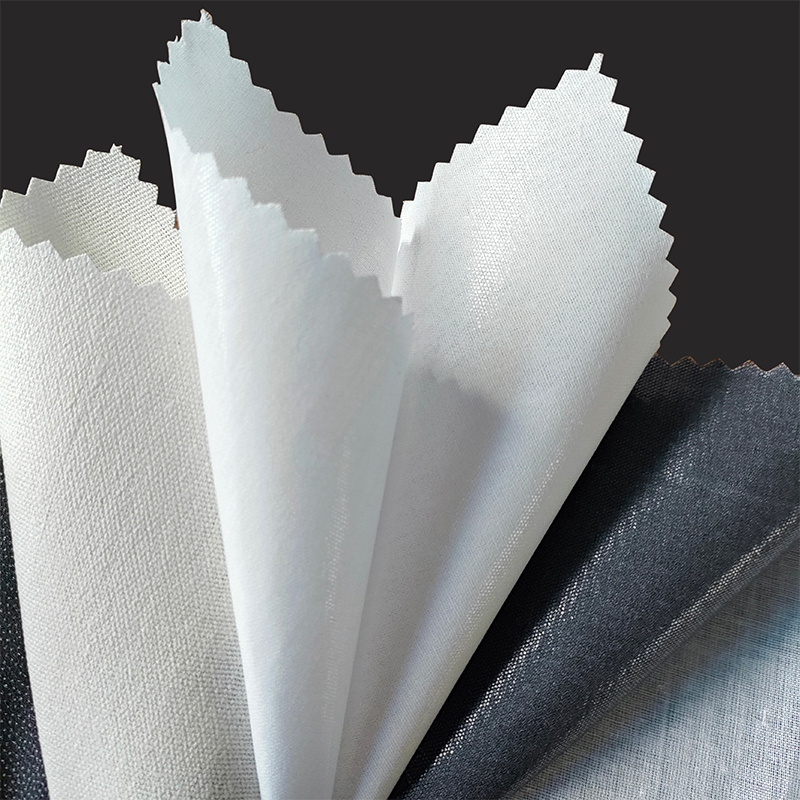
0.5 yard (45 cm) of medium-weight woven or non-woven fusible Interlining, sometimes labeled as interfacing. This is what gives the sleeve body and stops the outer shell from sagging.
Foam or Batting
0.5 yard (45 cm) of 3 to 5 mm closed-cell foam, or two layers of cotton batting, for shock absorption.
Closure
A 14 to 16 inch zipper, or 18 inches of hook-and-loop tape if you prefer a flap-style opening.
Tools
Sewing machine with a size 90/14 needle, polyester thread, fabric scissors or a rotary cutter, pins or clips, and an iron for pressing the Interlining.
Why Interlining Matters More Than Most Beginners Think
Skipping Interlining is the single most common reason a homemade laptop sleeve looks loose, wrinkled, or floppy after a few weeks of daily use. A laptop is heavy and rigid, and unsupported fabric stretches under that weight every time the sleeve is picked up or set down. Interlining acts as a hidden skeleton bonded to the back of the outer fabric, holding the weave in place so the panel keeps its shape instead of bagging out around the corners.
There are two broad categories worth knowing before you shop for it.
Fusible Interlining
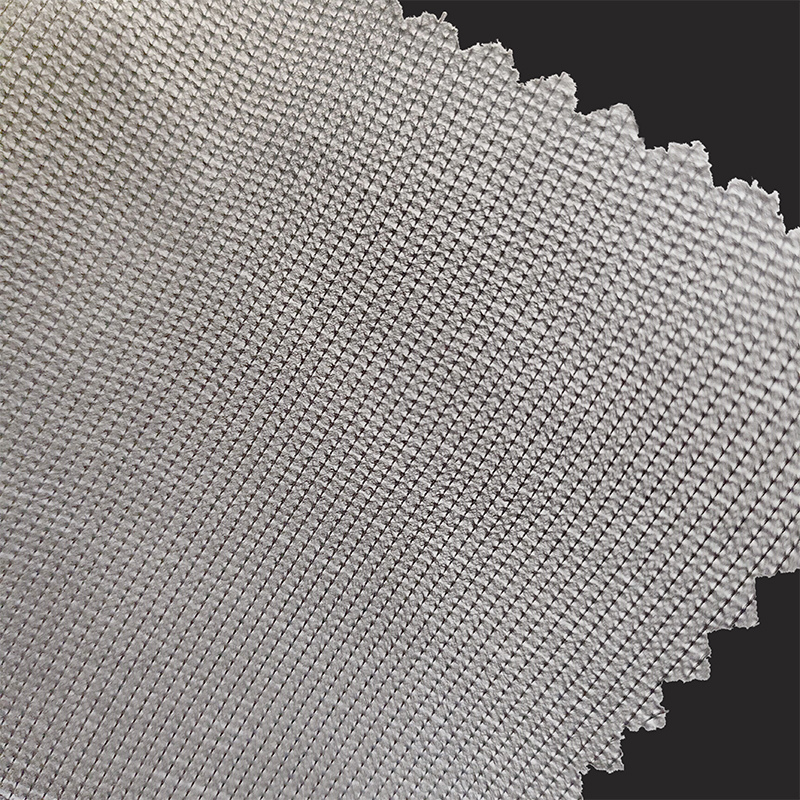
This type has a heat-activated adhesive resin on one side. Press it to the wrong side of the outer fabric with a hot, dry iron for 10 to 15 seconds, and it bonds permanently. It is the faster option and the one most home sewists reach for first.
Sew-In Interlining
This type has no adhesive and is instead basted or stitched into the seam allowance along with the outer fabric. It is the better choice for fabrics that cannot tolerate heat, such as some waxed canvas or vinyl-coated cotton, since an iron can melt the coating.
| Outer Fabric | Recommended Interlining Weight | Application Method |
|---|---|---|
| Quilting cotton | Light to medium | Fusible |
| Canvas or twill | Medium | Fusible |
| Denim | Medium to heavy | Fusible |
| Waxed or coated cotton | Medium | Sew-in |
| Cork fabric | Light | Sew-in |
A useful rule of thumb passed down in most home sewing circles is to test a scrap of fused fabric first: if the panel still droops when held by one corner after fusing, move up to the next weight of Interlining rather than adding a second layer of the same weight, since stacking two light layers tends to create a stiff, bubbled surface instead of a smooth one.
Step-by-Step: Sewing the Sleeve
This sequence builds a simple envelope-style sleeve with a zipper closure. Seam allowance is 0.5 inch (1.3 cm) throughout unless noted.
- Measure your laptop's height and width with a flexible tape, then add 1 inch to each dimension for ease and 1 inch again for the seam allowance. Cut two outer panels, two lining panels, and two Interlining panels to that size.
- Press the fusible Interlining to the wrong side of each outer panel, following the manufacturer's heat and timing instructions on the package, since resin types vary.
- Cut one piece of foam or two layers of batting per panel, sized slightly smaller than the fabric panels so the foam sits inside the seam line rather than inside the seam allowance itself.
- Baste the foam to the wrong side of each interlined outer panel with a long straight stitch about 0.25 inch from the edge, just enough to hold it in place for the next steps.
- With right sides together, pin the zipper along the top edge of one outer panel and one lining panel, then stitch through all layers using a zipper foot. Repeat for the second outer-and-lining pair on the other side of the same zipper.
- Open the zipper halfway, then fold the assembly so the two outer panels face each other and the two lining panels face each other.
- Stitch around the remaining three sides of the outer fabric, then around the three sides of the lining, leaving a 4 inch gap in the lining's bottom seam for turning.
- Clip the corners diagonally to reduce bulk, turn the entire sleeve right side out through the gap in the lining, then push the lining back inside the outer shell.
- Hand-stitch or machine-stitch the gap closed, press the top edge flat, and topstitch around the zipper opening for a finished look.
Getting the Padding Right
Padding does two separate jobs: it absorbs shock from drops and bumps, and it adds the structure that keeps the sleeve rectangular instead of collapsing flat when the laptop is removed. Closed-cell foam, the kind used in yoga mats and camping pads, compresses and rebounds without holding moisture, which makes it more durable over years of use than quilt batting. Cotton batting is easier to sew through and gives a softer, quilted look, but it flattens with repeated compression faster than foam does.
A practical middle ground many sewists settle on is a single 3 mm foam layer combined with the Interlining already fused to the outer shell. The Interlining keeps the surface smooth and crease-free, while the foam underneath absorbs the actual impact, so the two layers are doing different jobs rather than duplicating each other.
Comparing Closure Styles
The closure affects both how fast you can grab your laptop and how well the sleeve protects against dust and rain. Pick based on how you actually use the bag day to day.
| Closure Type | Dust and Splash Protection | Sewing Difficulty |
|---|---|---|
| Zipper | High | Moderate |
| Flap with hook-and-loop tape | Moderate | Easy |
| Open envelope, no closure | Low | Very easy |
Reinforcement tip: the corners and the zipper ends take the most stress over the life of a sleeve. Sew a small triangle of scrap Interlining or a folded fabric tab into each bottom corner before closing the final seam, and backstitch firmly at both ends of the zipper tape so repeated unzipping does not pull the stitches loose.
Sizing Guide by Laptop Screen Size
Cut your panels based on the laptop's screen size rather than its brand name, since two 14-inch laptops from different makers can differ by half an inch in actual width.
| Screen Size | Cut Width | Cut Height |
|---|---|---|
| 11 to 12 inch | 13 inches | 9.5 inches |
| 13 to 14 inch | 15 inches | 11 inches |
| 15 to 16 inch | 17 inches | 12.5 inches |
Mistakes That Shorten a Sleeve's Life
- Cutting Interlining and fabric the same exact size, instead of trimming the Interlining slightly smaller, which leaves a hard ridge at the seam line.
- Using a straight stitch with no reinforcement at the zipper ends, which causes the seam to unravel after a few months of daily zipping.
- Choosing foam that is too thick for the seam allowance, which makes the finished corners bulky and difficult to turn cleanly.
- Skipping a test fit with the actual laptop before sewing the final seam, which often results in a sleeve that is too tight to slide the laptop in or out smoothly.
- Pressing fusible Interlining with too much heat or too little time, which causes the adhesive to bond unevenly and bubble after washing.
Caring for a Handmade Laptop Sleeve
Spot clean the outer fabric with a damp cloth and mild soap rather than machine washing, since repeated washing can soften fused Interlining over time and cause the panel to lose its shape. If the sleeve does need a full wash, use a gentle cycle in cold water and lay it flat to dry rather than tumbling it, which protects both the foam layer and the bond between the fabric and the Interlining.
Frequently Asked Questions
Can I make a laptop sleeve without Interlining?
You can, but the sleeve will likely sag and lose its rectangular shape within a few weeks, especially with lightweight fabrics like quilting cotton. Interlining is the part of the build that keeps the panel rigid enough to hold the laptop's shape over time.
What is the difference between Interlining and interfacing?
The terms are often used interchangeably in home sewing, and both describe a support layer bonded or sewn to the back of the main fabric. Some suppliers use Interlining specifically for the heavier, structural versions used in bags and outerwear, while interfacing more often refers to lighter weights used in garment collars and cuffs.
Do I need a special sewing machine to sew a laptop sleeve?
A standard home sewing machine with a zipper foot and a size 90/14 needle handles canvas, denim, and foam without trouble. Heavier fabrics like multiple layers of waxed canvas may need a slower speed and a few practice passes on scrap material first.
How much ease should I add around the laptop?
Half an inch to one inch of total ease per side is typical. Too little ease makes the laptop hard to remove quickly, while too much allows it to shift and bump against the corners inside the sleeve.
Can foam be replaced with extra layers of fabric?
Extra fabric layers add some bulk but very little shock absorption compared to foam or batting. For a sleeve meant to sit inside a backpack alongside other items, foam or batting is worth the small added cost.